
Your data structure
Administrators configure metadata fields, lookup lists, groupings and overview columns around their research protocol. Fixed system fields and lists retain their meaning.
Porpoise research needs different attributes from a butterfly survey. Configure fields and controlled lists around your own research protocol.
Administrators configure metadata fields, lookup lists, groupings and overview columns around their research protocol. Fixed system fields and lists retain their meaning.
Use your organisation’s name, logo and available theme settings. Give the research workspace a recognisable identity.
Manage accounts and Guest, Observer and Admin roles, with separate permissions for functions including Support and export. Documents also have their own access profiles.
Draw sectors and map areas and set the initial view. The map functions you can change depend on the options made available by Platform Administration.
Administrators configure metadata fields, lookup lists, groupings and overview columns around their research protocol. Fixed system fields and lists retain their meaning.
Discover moreObsfera adds available system data and keeps it with your research. Automatic data depends on the device, files and your group configuration.
Recording includes the time and an available GPS position. GPS requires permission and a usable position fix; missing data remains visibly missing.
The position determines the sector when it falls within a drawn sector boundary. New observations join the active survey; a manually selected sector is retained.
On upload, Obsfera reads available file metadata such as capture time, camera, lens and GPS. A photograph without this information cannot supply it.
Once automatic system lists are linked, the server enriches survey and observation fields with available weather and tide data. Time and position are required; tides depend on available Dutch monitoring stations and manual corrections are preserved.
The source remains visible alongside added weather data. Modelled weather and astronomical tides provide context rather than replacing field measurements.
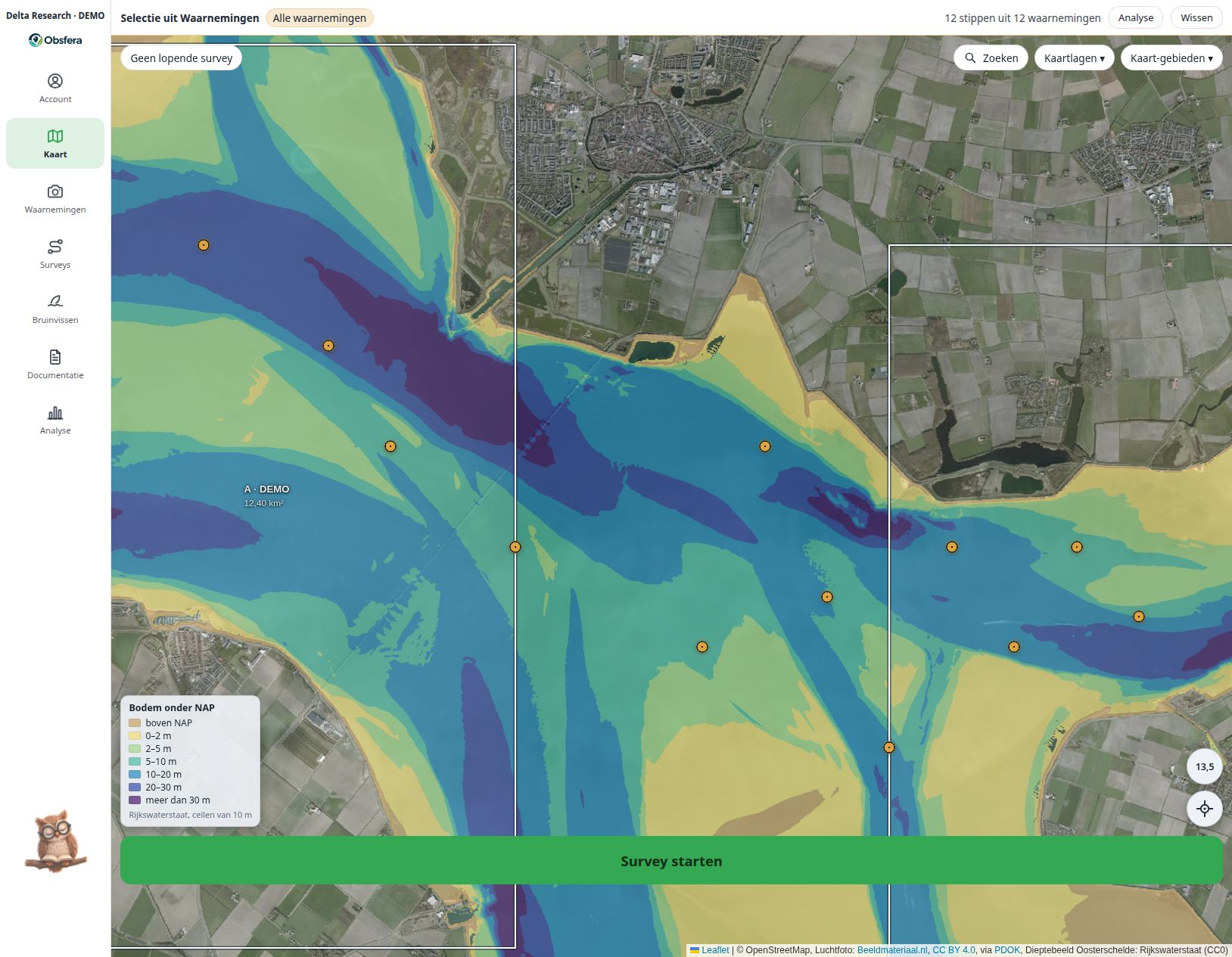 LAT / NAP · EXAMPLE INTERFACE · FICTIONAL DATA
Authorised group members submit questions, requests and issues with attachments and discuss them through built-in chat. Status, change history and notifications keep the group involved; issue reports automatically include the app version, browser and screen size.
Discover moreThe research question and protocol shape the configuration.
Published changes can appear automatically after sign-in when both the group and the user enable this option. For visible changes, the owl takes you to the relevant feature; administrators can find the publication history under Updates & patches.

Explore how a dedicated research group could fit your protocol, team and long-term data stewardship.