
Time and position
Recording includes the time and an available GPS position. GPS requires permission and a usable position fix; missing data remains visibly missing.
Record supported field data locally and synchronise once connectivity returns.
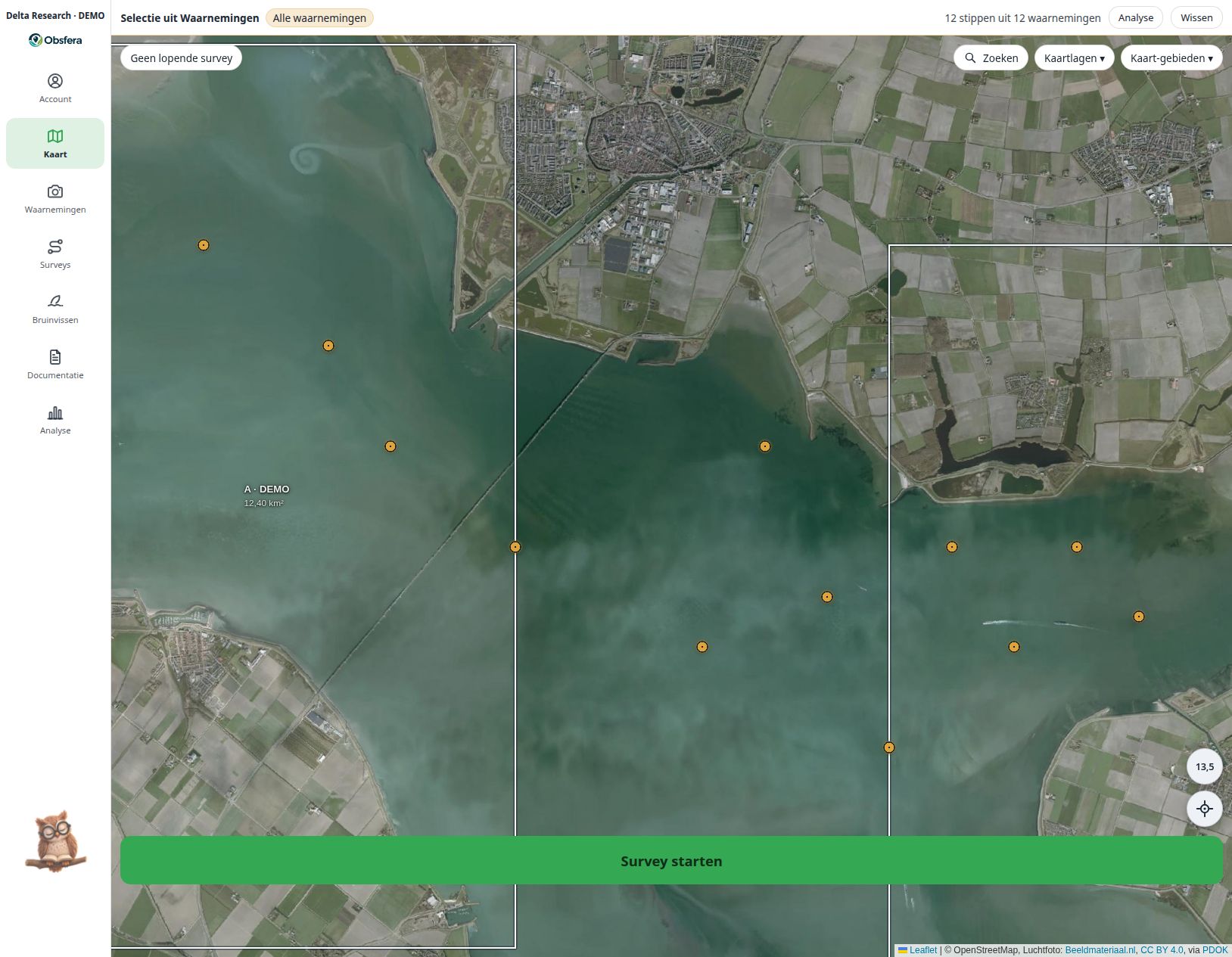
Combine observation points, survey tracks and sectors with a map or aerial imagery. Bathymetry adds channels and tidal flats: Rijkswaterstaat for the Oosterschelde relative to NAP, EMODnet for Dutch waters relative to LAT; these are not current water depths and are not for navigation.
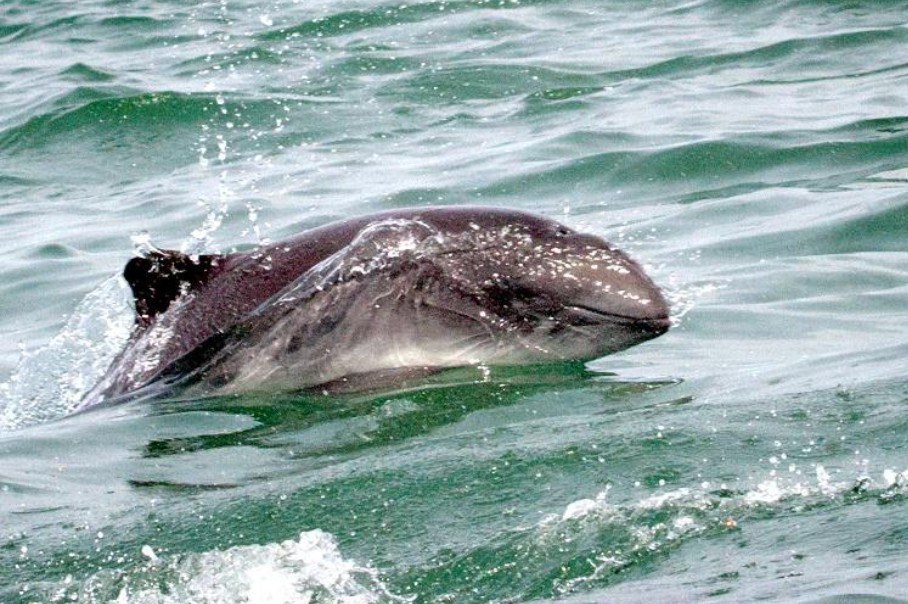 Delta-0110.10.2026 · Sector A · DEMO
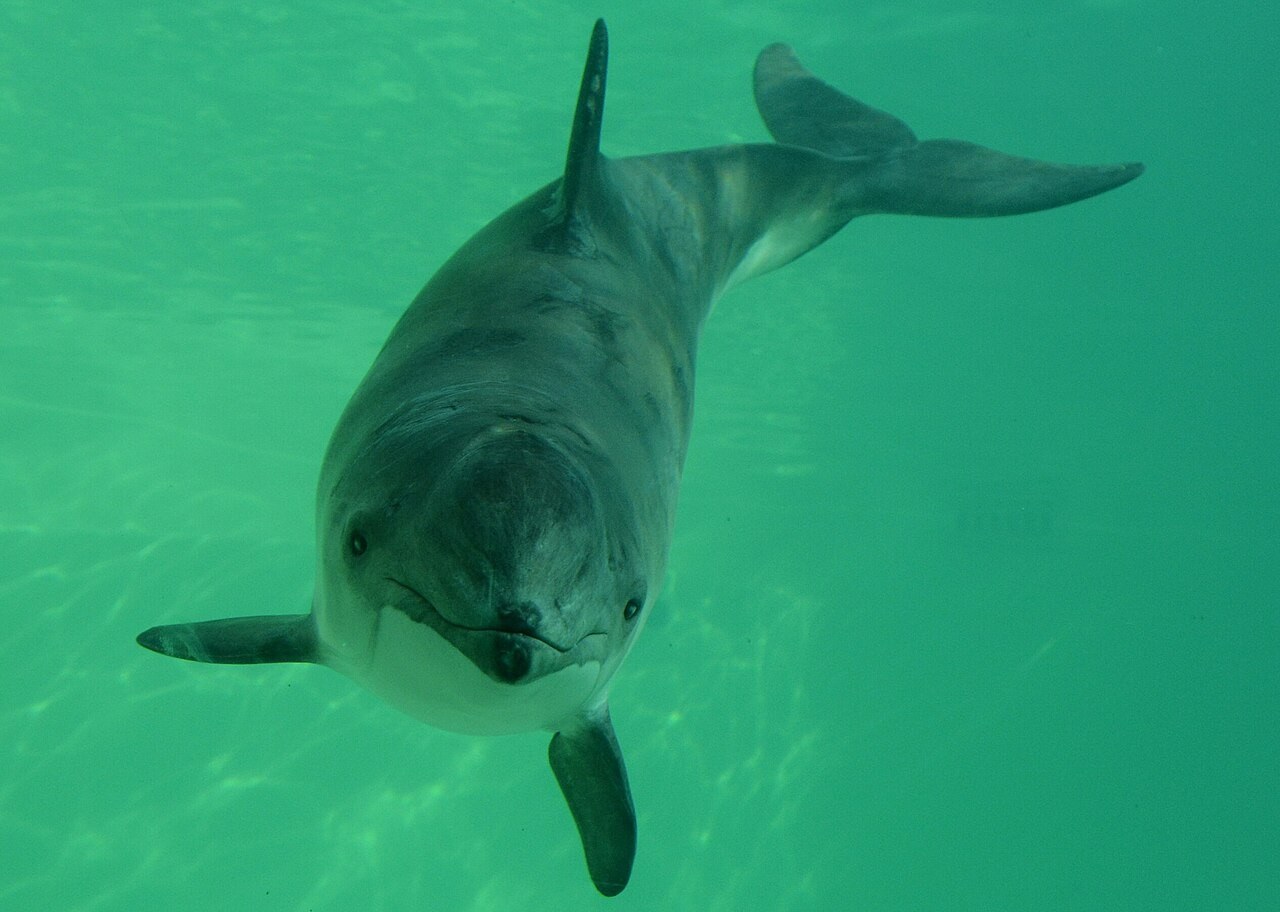 Delta-0211.10.2026 · Sector B · DEMO
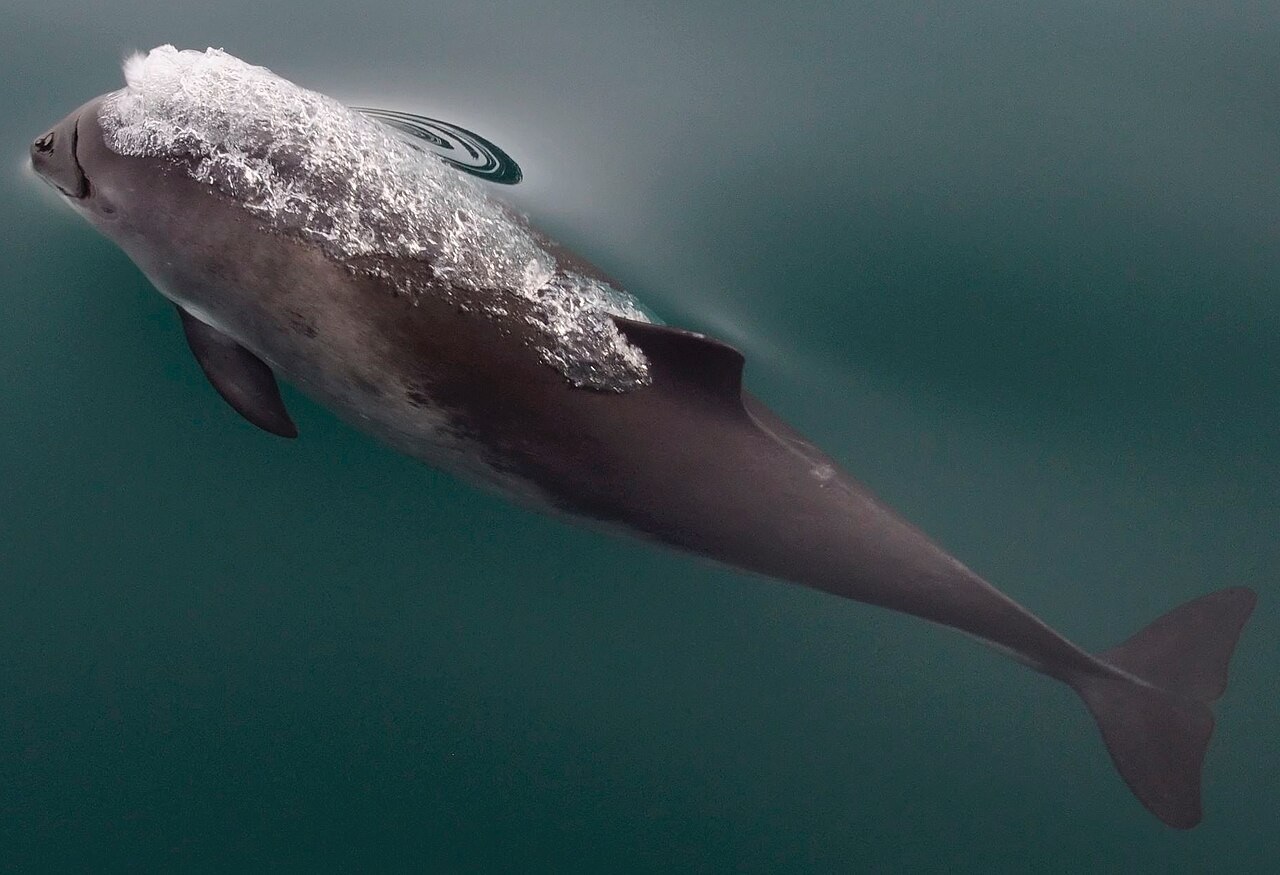 Delta-0312.10.2026 · Sector C · DEMO
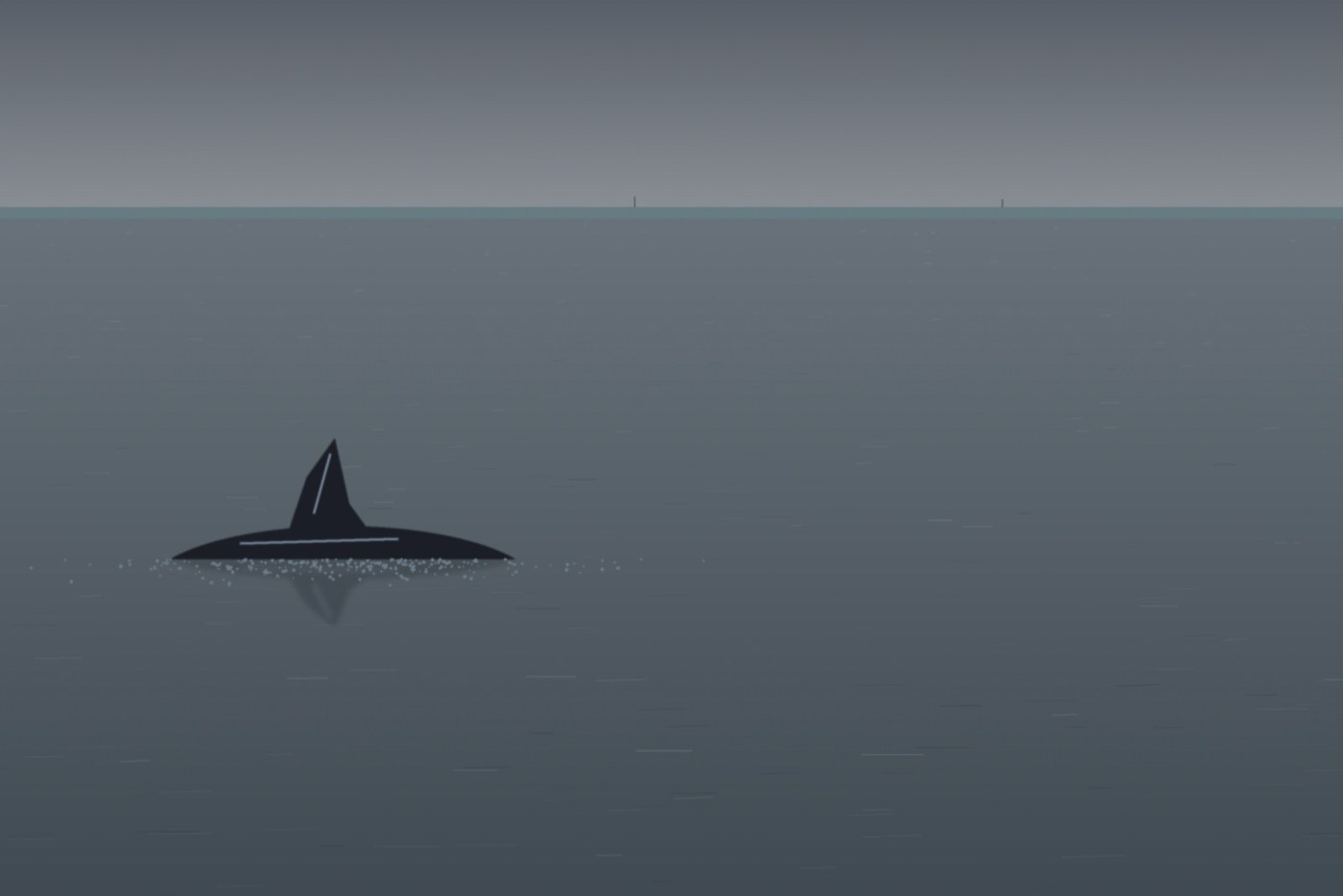 Delta-0413.10.2026 · Sector A · DEMO
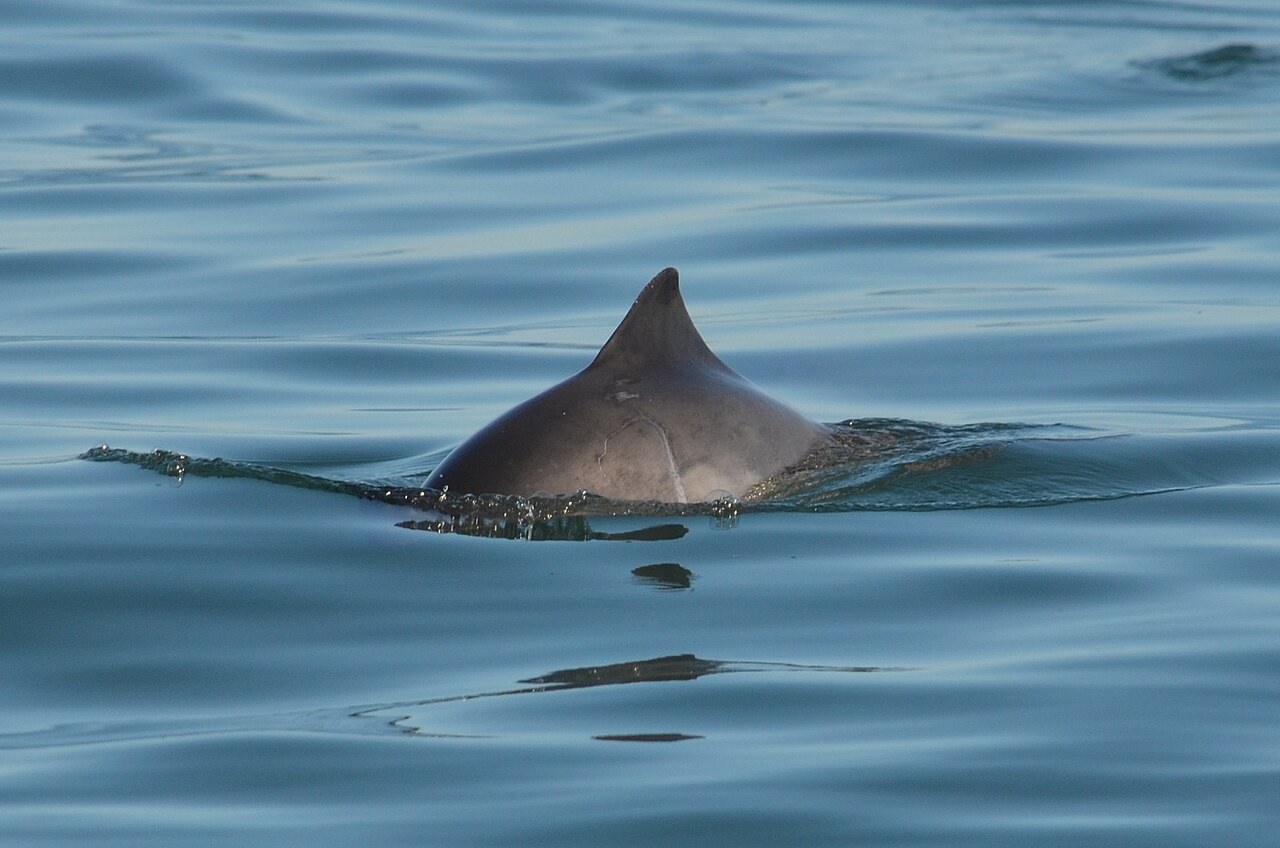 Delta-0615.10.2026 · Sector C · DEMO
Point at an amber animal marker, or tap it.
All example screens →
Obsfera adds available system data and keeps it with your research. Automatic data depends on the device, files and your group configuration.
Recording includes the time and an available GPS position. GPS requires permission and a usable position fix; missing data remains visibly missing.
The position determines the sector when it falls within a drawn sector boundary. New observations join the active survey; a manually selected sector is retained.
On upload, Obsfera reads available file metadata such as capture time, camera, lens and GPS. A photograph without this information cannot supply it.
Once automatic system lists are linked, the server enriches survey and observation fields with available weather and tide data. Time and position are required; tides depend on available Dutch monitoring stations and manual corrections are preserved.
The source remains visible alongside added weather data. Modelled weather and astronomical tides provide context rather than replacing field measurements.
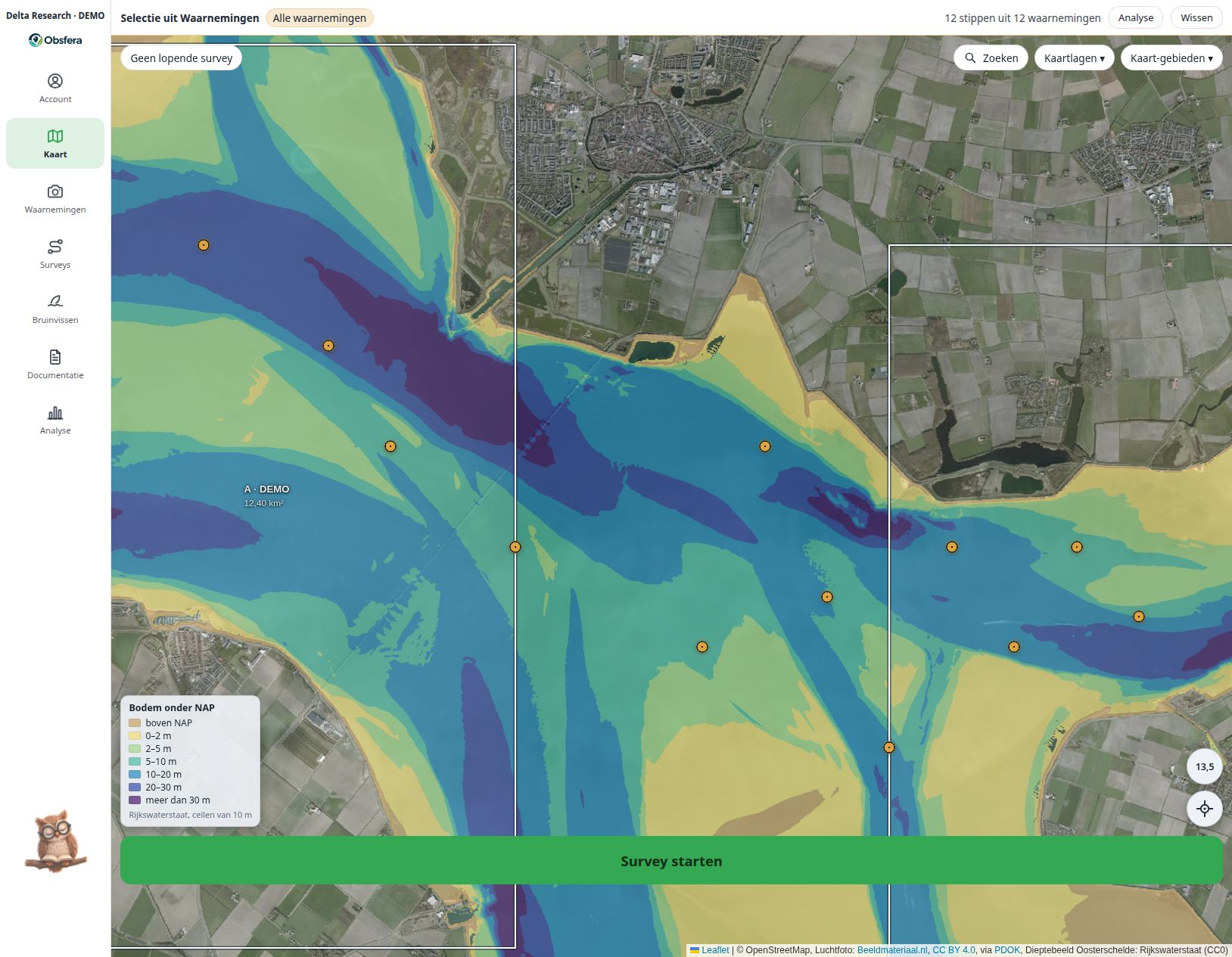 LAT / NAP · EXAMPLE INTERFACE · FICTIONAL DATA
Configure the survey, fields, participants and research agreements. Check what data is available on the device beforehand.
Record time, location, behaviour and custom attributes. Link images to the correct observation and survey.
Upload locally stored fieldwork when possible. Check queues, missing fields and potential entry errors.
Study distributions and patterns. Keep sampling design, missing records and survey effort visible.
The Obsfera owl helps new users find their way and explains individual features to experienced users. A welcome appears automatically on first sign-in; you then choose the tour you need.
The tour highlights buttons and fields step by step without saving research data for you. Reopen it later from your Account or by double-clicking the owl.
On larger screens, one click enables contextual help and the owl flies to your chosen information point. Phones show the welcome only; the guided tour needs more screen space.
Try it here: let the owl point out the screen examples. This interactive website demonstration uses fictional research data.
Explore how a dedicated research group could fit your protocol, team and long-term data stewardship.